
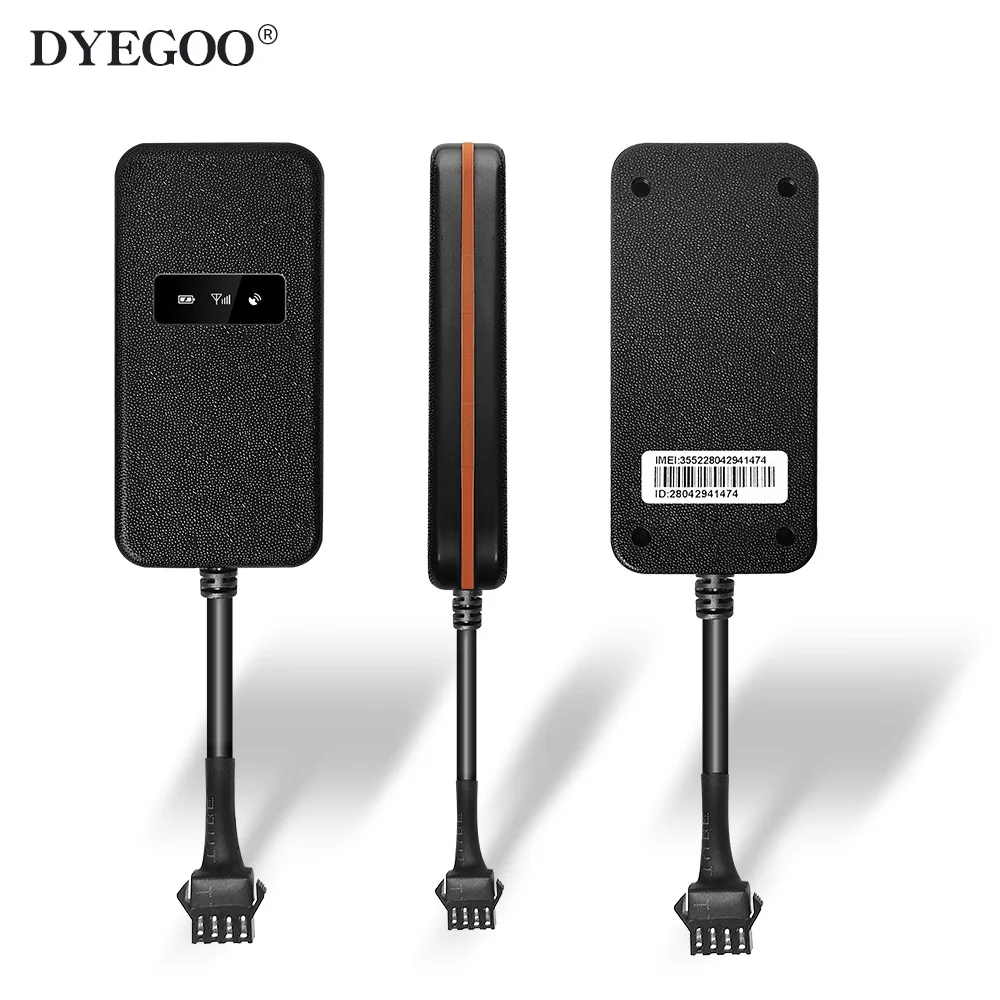
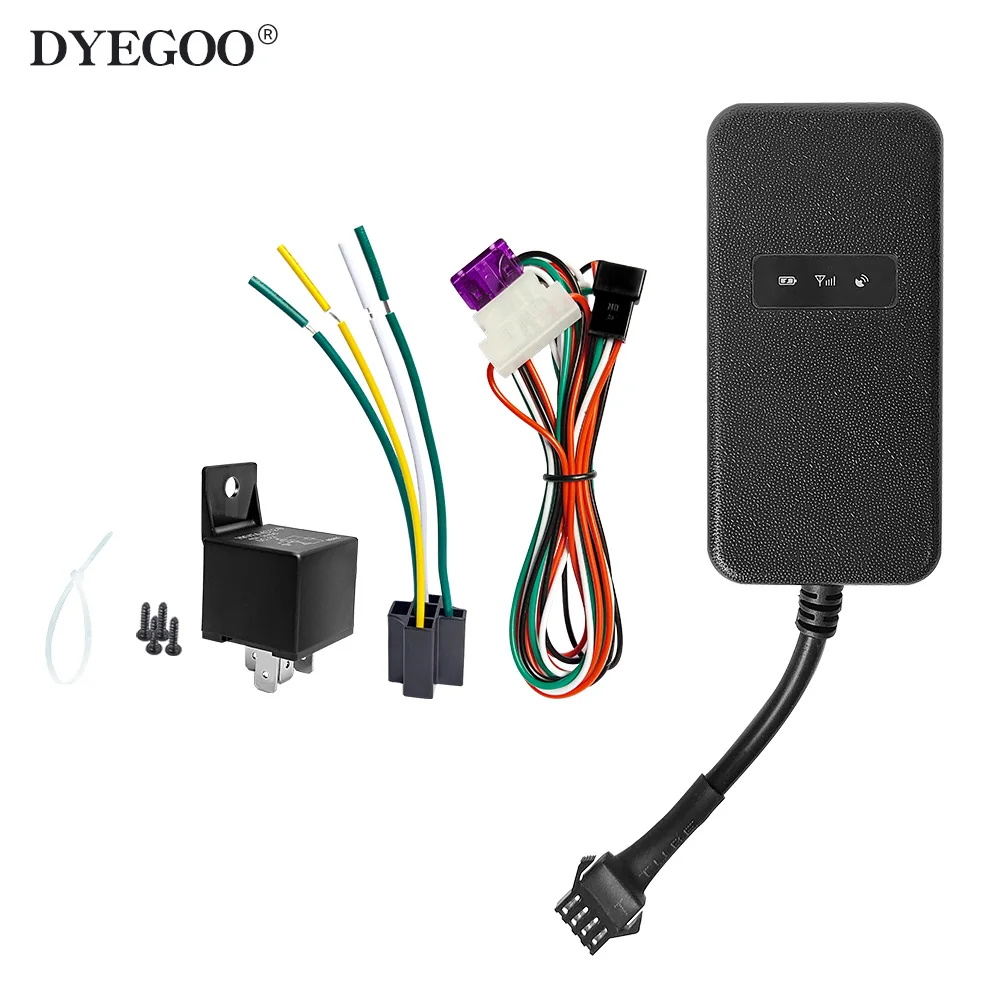
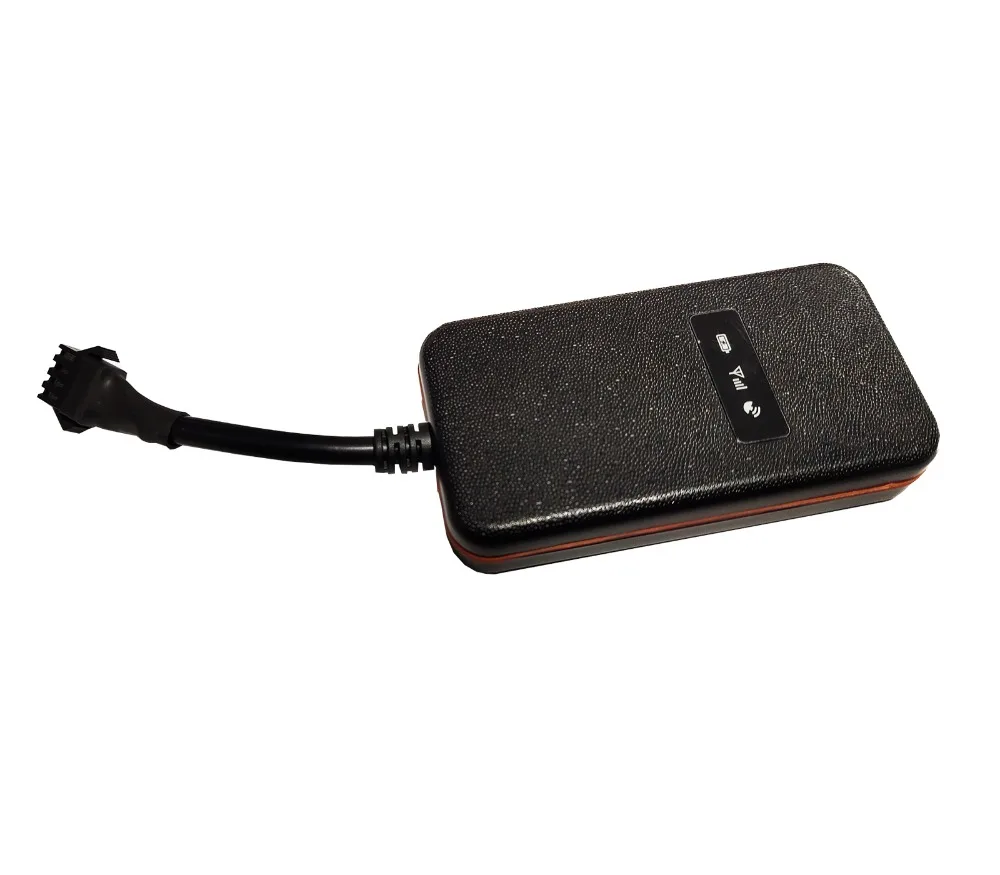
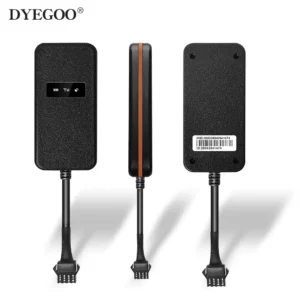
Localizador GPS Mini DYEGOO para Carro, Bicicleta, Crianças, Idosos e Animais de Estimação, Rastreamento em Tempo Real, Localizador Antiperda, Tamanho Pequeno, Fácil de Esconder
R$276,00
SPECIFICATIONS
Battery Life (Hour): 1 To 4 Hours
Button Battery: None
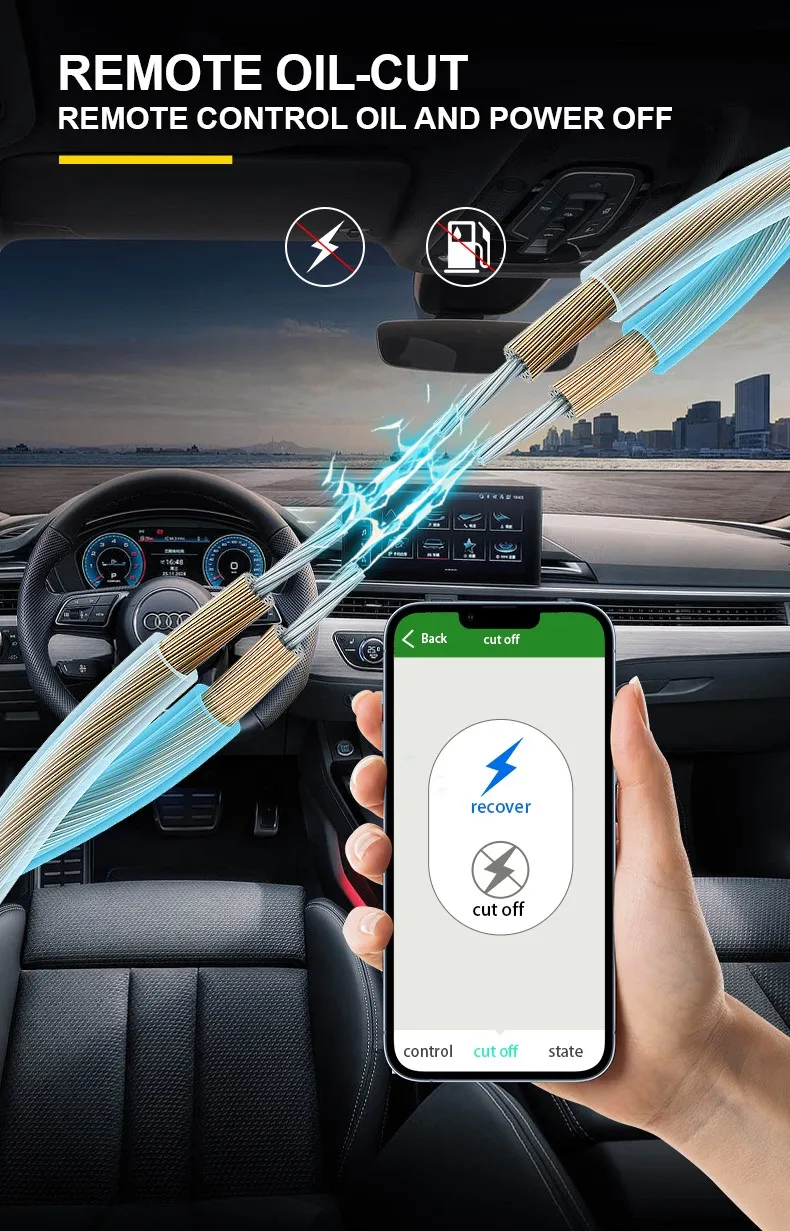
Function: Remote Control
Gps Feature: GPS
Model Number: GT003
Placement: None
Positioning Mode: GPS
Size: 87 43 14mm
Track View: None
Type: GPS Tracker
Use: car alarm, vehicle tracking, motorcycle locator
View Angle: None
Product Highlights
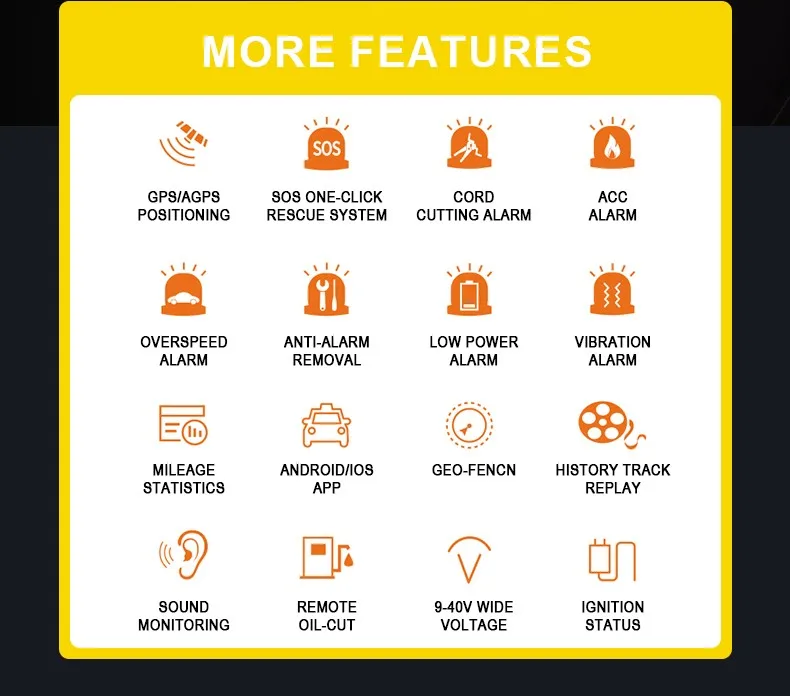
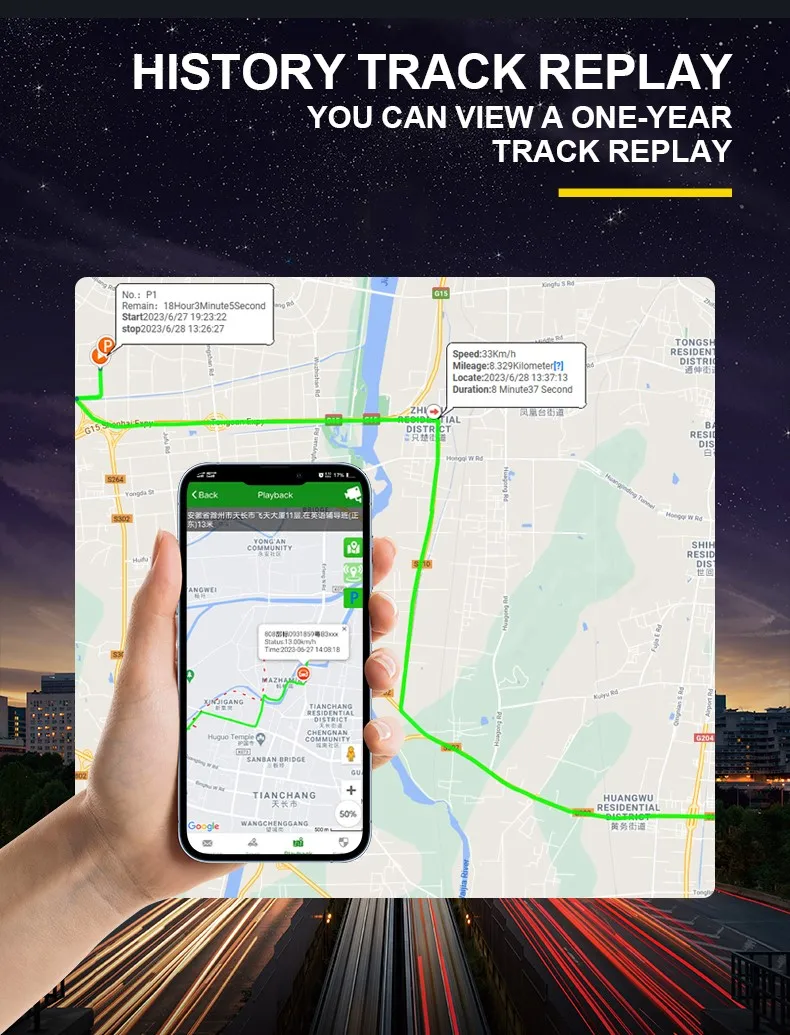
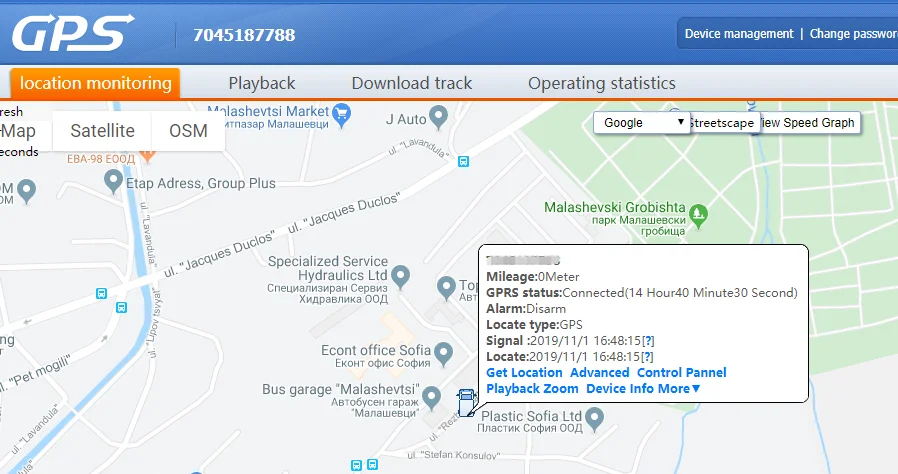
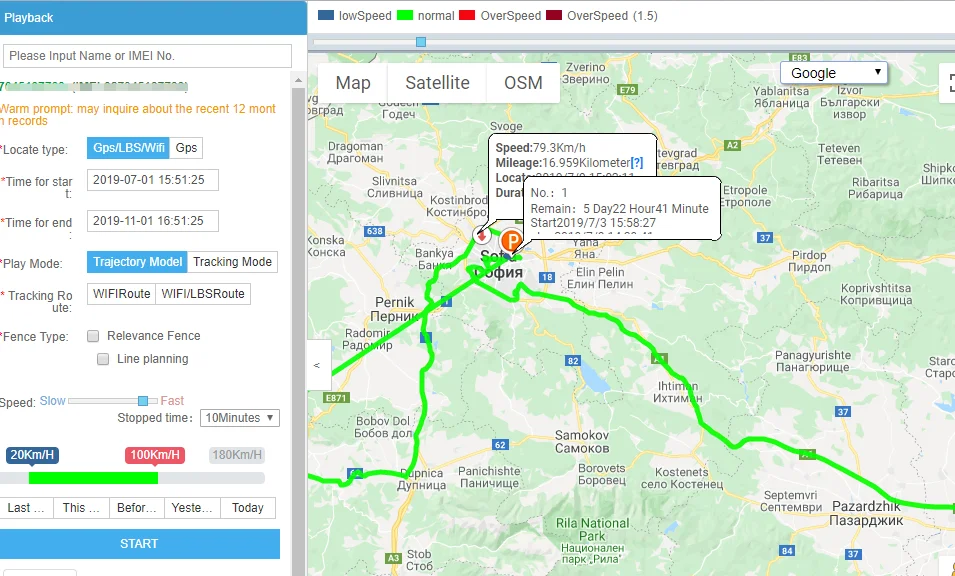
Real-Time Tracking: Provides instant vehicle location updates via SMS or internet.
Multiple Network Compatibility: Works on 850/900/1800/1900MHz GSM/GPRS networks.
GPS Precision: Offers accurate positioning within 10 meters in 2D space.
Wide Voltage Range: Operates efficiently on 9-40V DC, suitable for various vehicles.
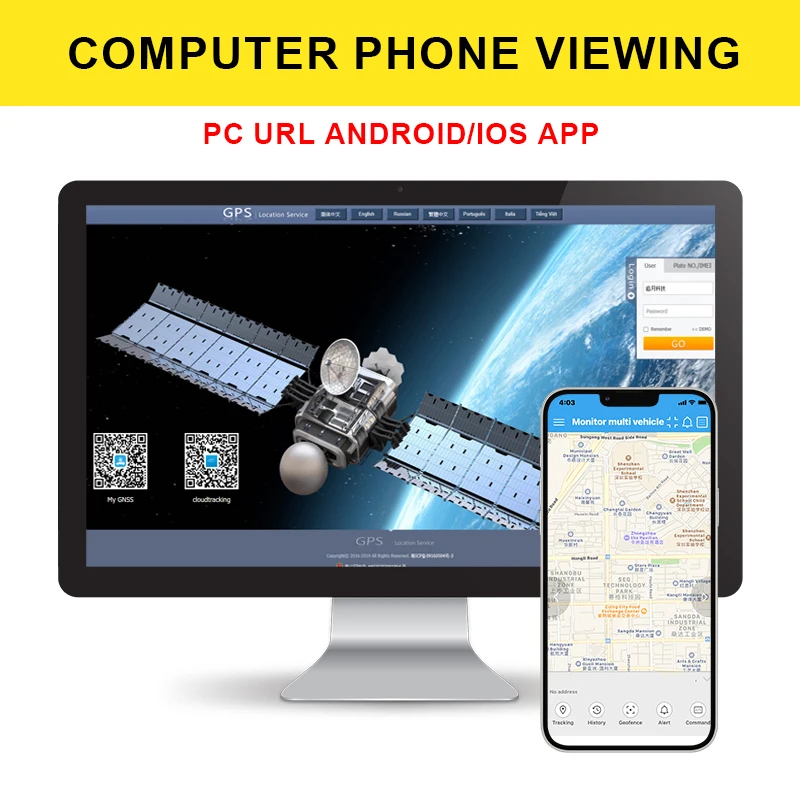
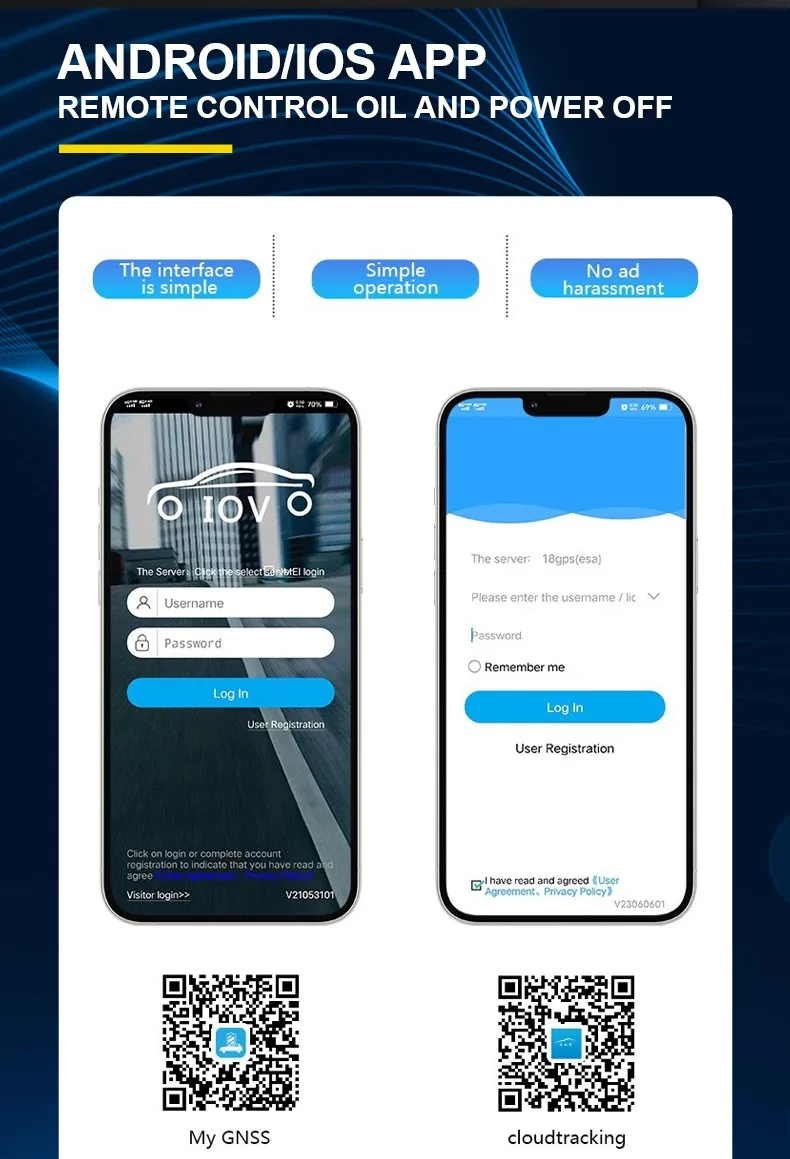
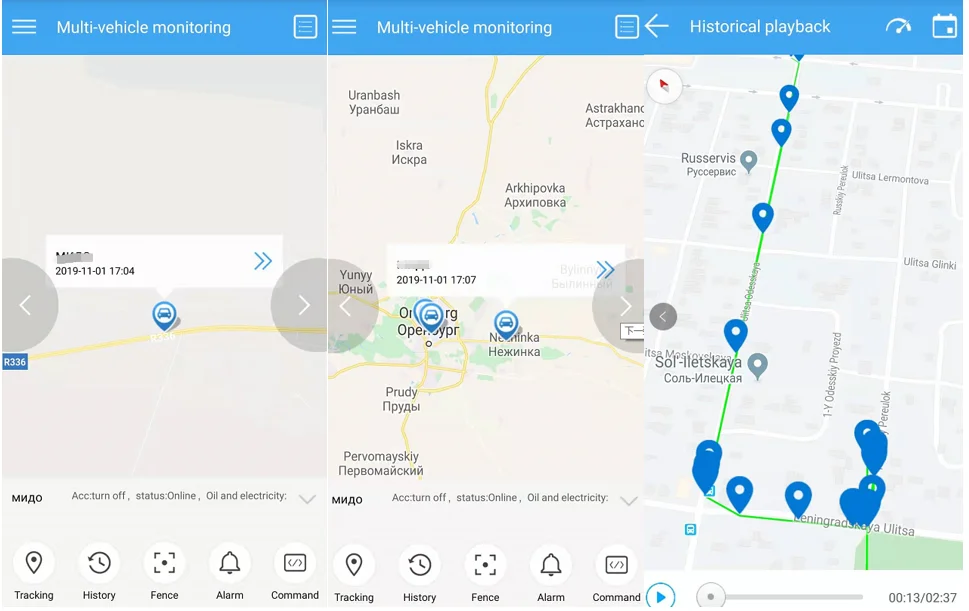
User-Friendly Interface: Easy to install and manage through the provided app.

FAQs
Q: How do I log in to the platform?
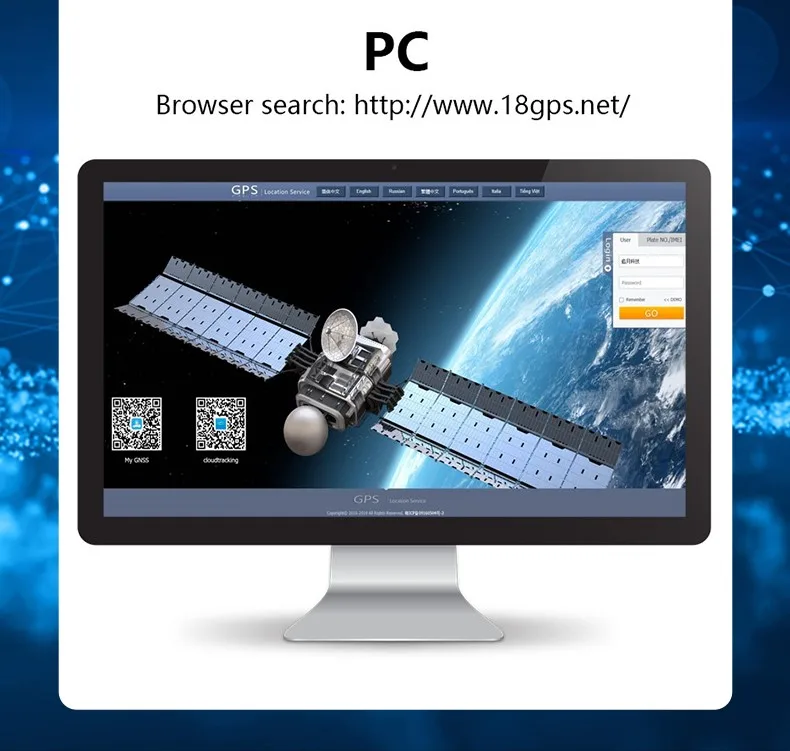
A: Login as ID(IMEI last 11bits) pass:123456 Real time tracking platform: www.dyegoo.net APP: www.dyegoo.net/app
Q: What should I do if the GPS signal is not received?
A: 4. If GPS can not receive the signals normally, please drive to the open areas for positioning. Generally, it needs 1-2 minutes to receive the first coordinates. If the data can not be received after 2 3 minutes, please check the installation position of the device, making sure it is not being shielded by any metal.
Q: What should I do if the GSM signal is not received?
A: 5. If GSM can not receive the signals normally, please check whether SIM card is installed correctly or there is no GSM signal at the current location , such as a basement parking, please drive to a place covered by GSM signal.
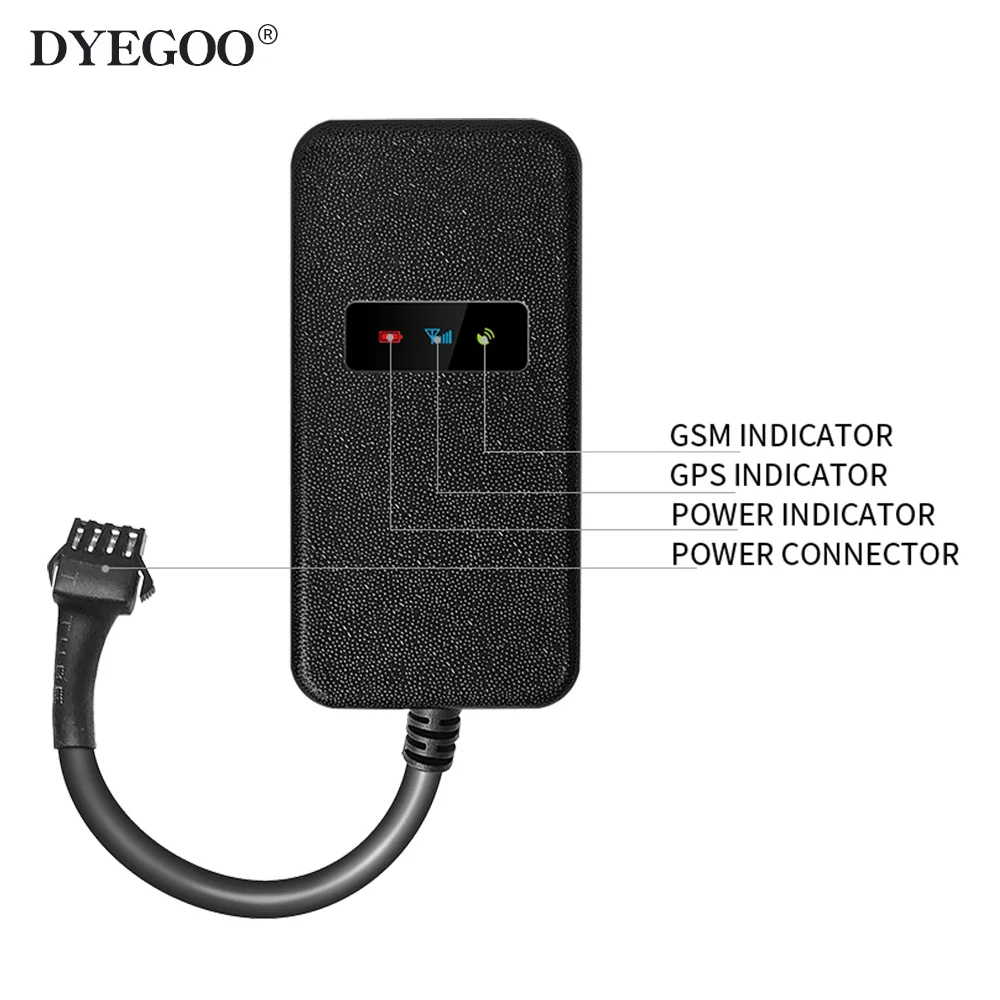
Q: What should I do if the red LED does not work when power is connected?
A: 6. If the red LED does not work when power is connected, check whether the fuse is blown. If so, please replace the fuse.
Q: What should I do if the three LEDs do not turn on when power up?
A: 7. If the three LEDs do not turn on when power up, press the down side key, if the three LEDs recover normally, the device is working normally.
Q: What should I do if the device is not online?
A: 3. If the tracker offline, Please set APN by sms command. Please get APN from sim card inserted mobile operator. APN set: (According to user manual,send SMS command) Using your mobile to set APN firstly to activate the device (you can get APN from the SIM card local network operator,call them to ask it.) If you lost IP,port,please send below sms command to set them back: Server,666666,1,gps.dyegoo.net,6100,0# Or Server,666666,0,47.90.39.27,6100,0#
Q: What should I do if the device is not receiving SMS commands?
A: For sms command feeddback, pls set center number firstly, then it will respond your sms command.
Q: What should I do if the device is not displaying Google Maps in the app?
A: 2. For some Android mobile phone,it is needed to install Google ServicesFramework.apk, if there no this APK,it can not display google maps in APP. Please search GoogleServicesFramework.apk by google and install it first,then install DYEGOO Google maps app.
| Peso | Não aplicável |
|---|---|
| 内存容量(ROM) | 8MB |
| Color | Black |
| RAM | 4 GB |
| Lens Amount | 1 |
Apenas clientes conectados que compraram este produto podem deixar uma avaliação.
Produtos relacionados
-
-
-
 Cuidados em Casa
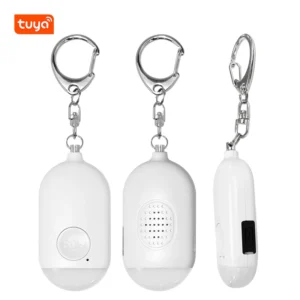
Sistema de alarme pessoal recarregável Tuya Smart SOS botão de alarme de emergência LED ABS 130Db
R$136,90
Avaliações
Não há avaliações ainda.